Transform
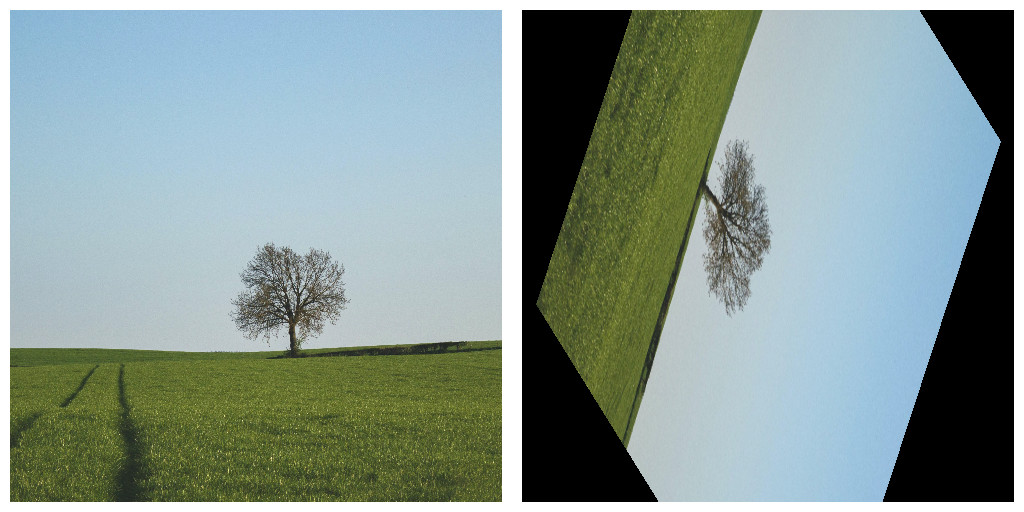
This node can be used to apply transformations to the input image, meaning it can translate, scale, or rotate the image.
Parameters
- Translate X Sets the amount of translation on the X axis.
- Translate Y Sets the amount of translation on the Y axis.
- Scale X Sets the scale amount of the width of the canvas.
- Scale Y Sets the scale amount of the height of the canvas.
- Rotate Sets the angle for rotating the canvas. Angle is set as degrees so values go from
0.0or360.0
Example