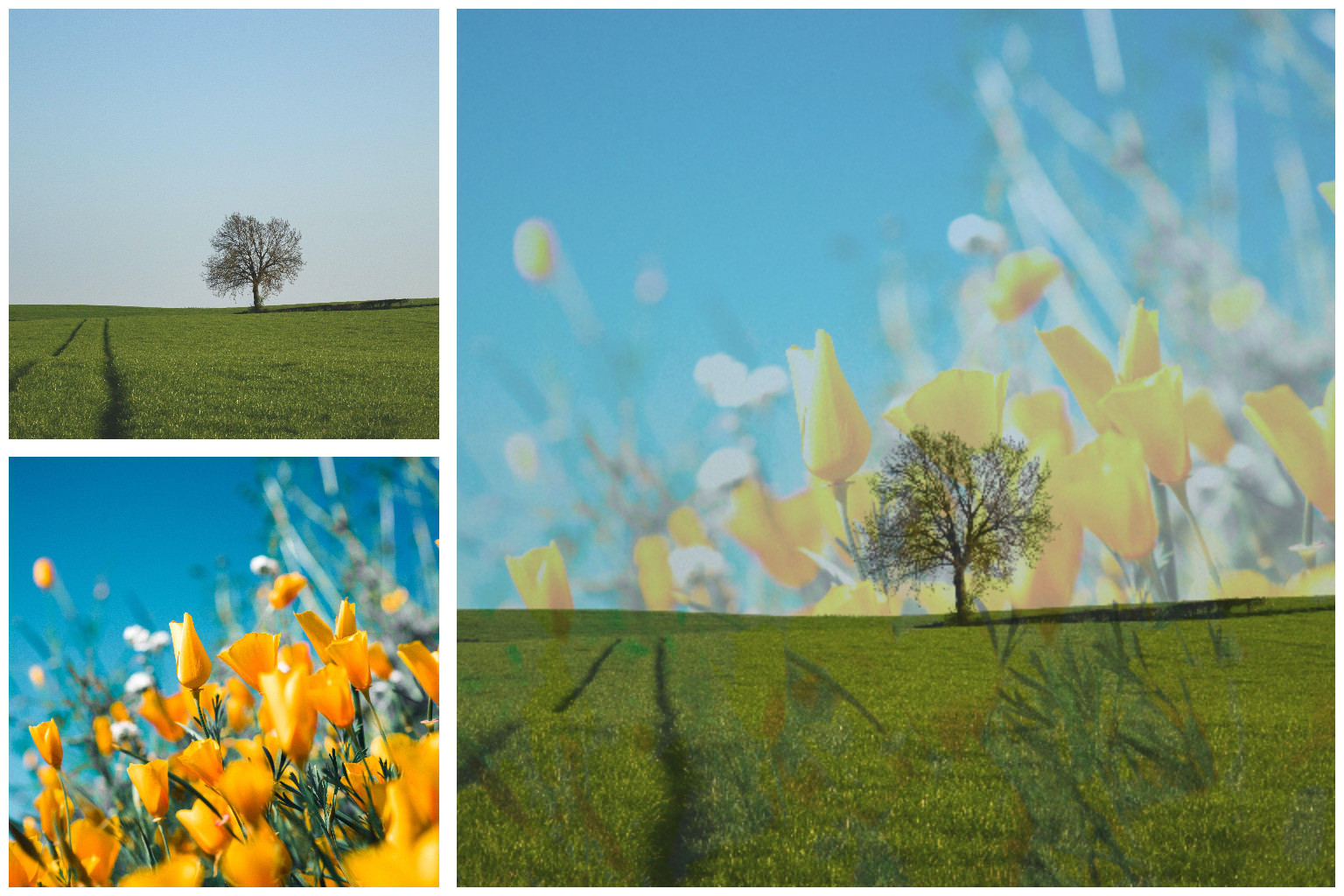
Composite
The node composites two images together by using a blending mode. It needs two images (or a Constant) as input.
Parameters
- Factor: The factor indicates how the two input images are distributed.
0.5takes both images evenly.0.0refers to the first input images and1.0refers to the second one. - Operation: The type of blending mode. The different options are
normal,darken,multiply,color burn(to darken the image) |lighten,screen,color dodge(to lighten the image) andhardmix,difference,exclusion,subtract,divide. - Fit: How the second image is placed on the first when their sizes differ.
containscales it to fit inside,coverscales it to fill, andstretchignores the aspect ratio. The output has the size of the first image.
Example